AI Assistants for Internal Operations
External chatbots serve customers. Internal AI assistants serve your team. These are role-specific tools that help employees work faster on the tasks that consume the most time: drafting proposals, reviewing contracts, summarizing meetings, generating reports, and finding information buried in company knowledge bases. Unlike generic AI chat interfaces, internal assistants are scoped to specific roles, grounded in your company data, and governed by access controls that ensure sensitive information stays within authorized boundaries.
Proposal Drafting
Sales teams describe the opportunity in plain language and the assistant generates a structured proposal using your templates, pricing tables, case studies, and compliance language. Drafts that used to take 4 hours are ready in 15 minutes.
Contract Analysis
Upload a contract and the assistant extracts key terms, flags deviations from your standard templates, highlights unusual clauses, and generates a summary for executive review. Legal teams focus on judgment calls, not reading every line.
Meeting Summaries
Transcripts from Zoom, Teams, or Google Meet are automatically processed into structured summaries: attendees, key decisions, action items with owners, and follow-up deadlines. Summaries push to Slack, email, or your project management tool.
Role-Scoped Access
Each assistant only accesses data relevant to its role. The sales assistant sees CRM and pricing data. The legal assistant sees contracts and compliance docs. The HR assistant sees policies and benefits information. No cross-contamination of sensitive data.
Assistant Interaction Flow
Request
Employee asks a question or submits a task
Scope
Role-based access determines available data
Process
AI retrieves context and generates output
Deliver
Result in Slack, email, or web interface
Request
Employee asks a question or submits a task
Scope
Role-based access determines available data
Process
AI retrieves context and generates output
Deliver
Result in Slack, email, or web interface
AI Assistant Architecture
How We Build Internal Assistants
Internal assistants are designed around specific job functions. We start by interviewing the people who will use the tool. What tasks consume the most time? What information do they search for repeatedly? Where do they copy-paste between systems? The answers define the assistant's capabilities.
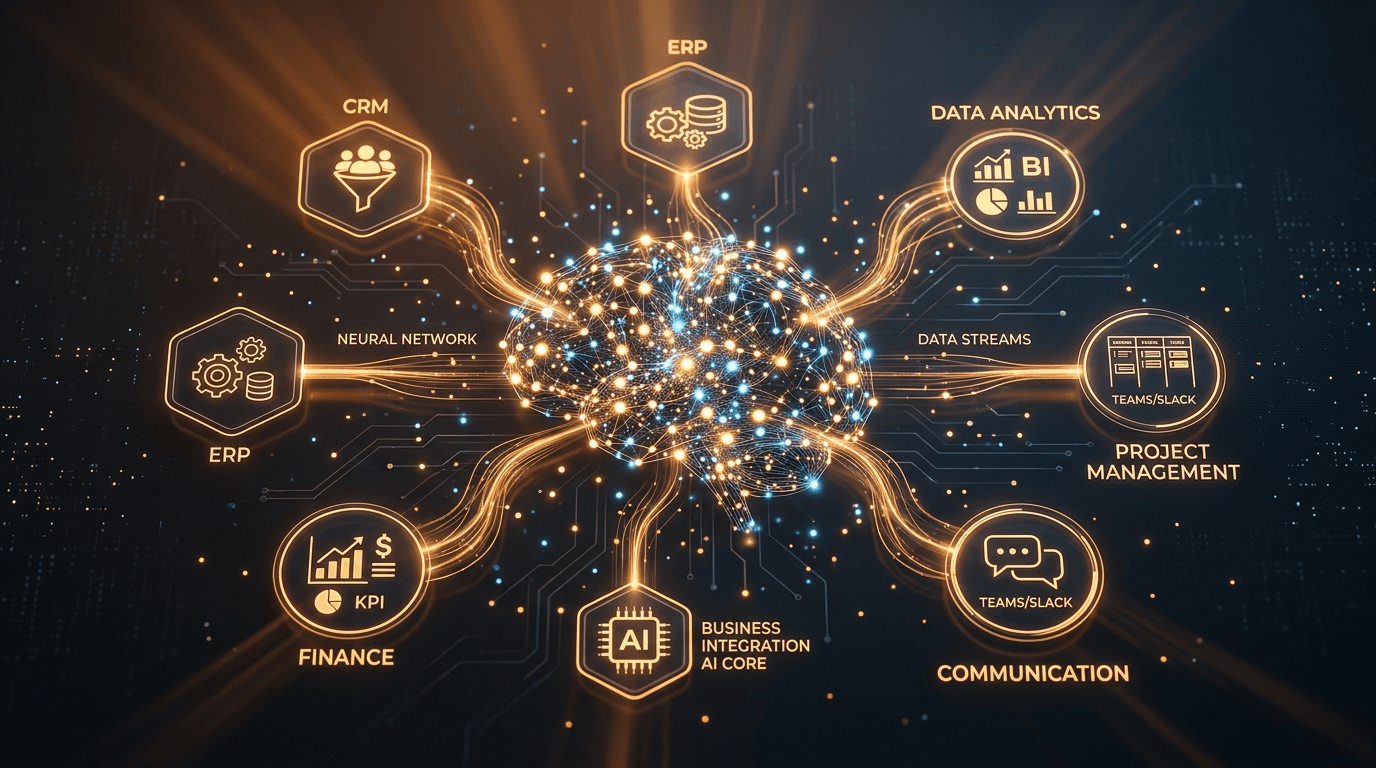
Knowledge base integration. Each assistant connects to the data sources relevant to its role. We build connectors to Confluence, SharePoint, Google Drive, Notion, your CRM, your ERP, and internal databases. Content is indexed, embedded, and kept current through incremental sync that runs on configurable schedules.
Tool-calling capabilities. Beyond answering questions, assistants can take actions: create a CRM record, schedule a meeting, file a support ticket, generate a PDF report, or query a database. Each tool is individually permissioned so the assistant can only perform actions appropriate to the user's role and the assistant's function.
Deployment and security. Internal assistants can run entirely on-premises or in your private cloud. For companies using cloud-hosted models or open-weight alternatives, we deploy whichever LLM meets your performance and compliance requirements. All conversations are logged for audit, and no data leaves your infrastructure unless you explicitly configure an external model API.
Who This Is For
Internal AI assistants work for organizations with 50+ employees performing knowledge-intensive work. Professional services firms (law, accounting, consulting), technology companies, healthcare organizations, financial institutions, and government agencies are the most common deployments. The ROI calculation is straightforward: if an assistant saves each employee 30 minutes per day, a 100-person team recovers 50 hours of productive time daily.
Contact us at ben@oakenai.tech to identify which roles in your organization would benefit most from an AI assistant.